
AreaZoom
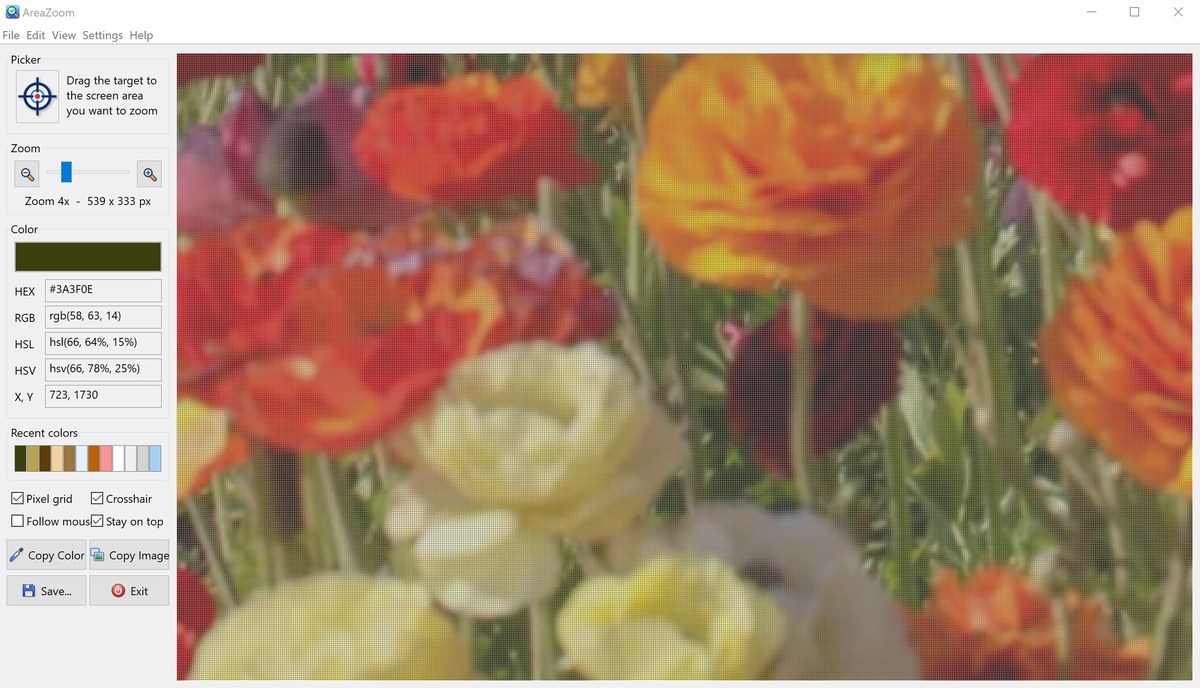
AreaZoom is a screen magnifier and color picker for Windows. Drag the target from the Picker onto any part of the screen and AreaZoom shows a magnified view of that area in its main window, with an optional pixel grid and crosshair, so you can see individual pixels of text, icons and graphics.
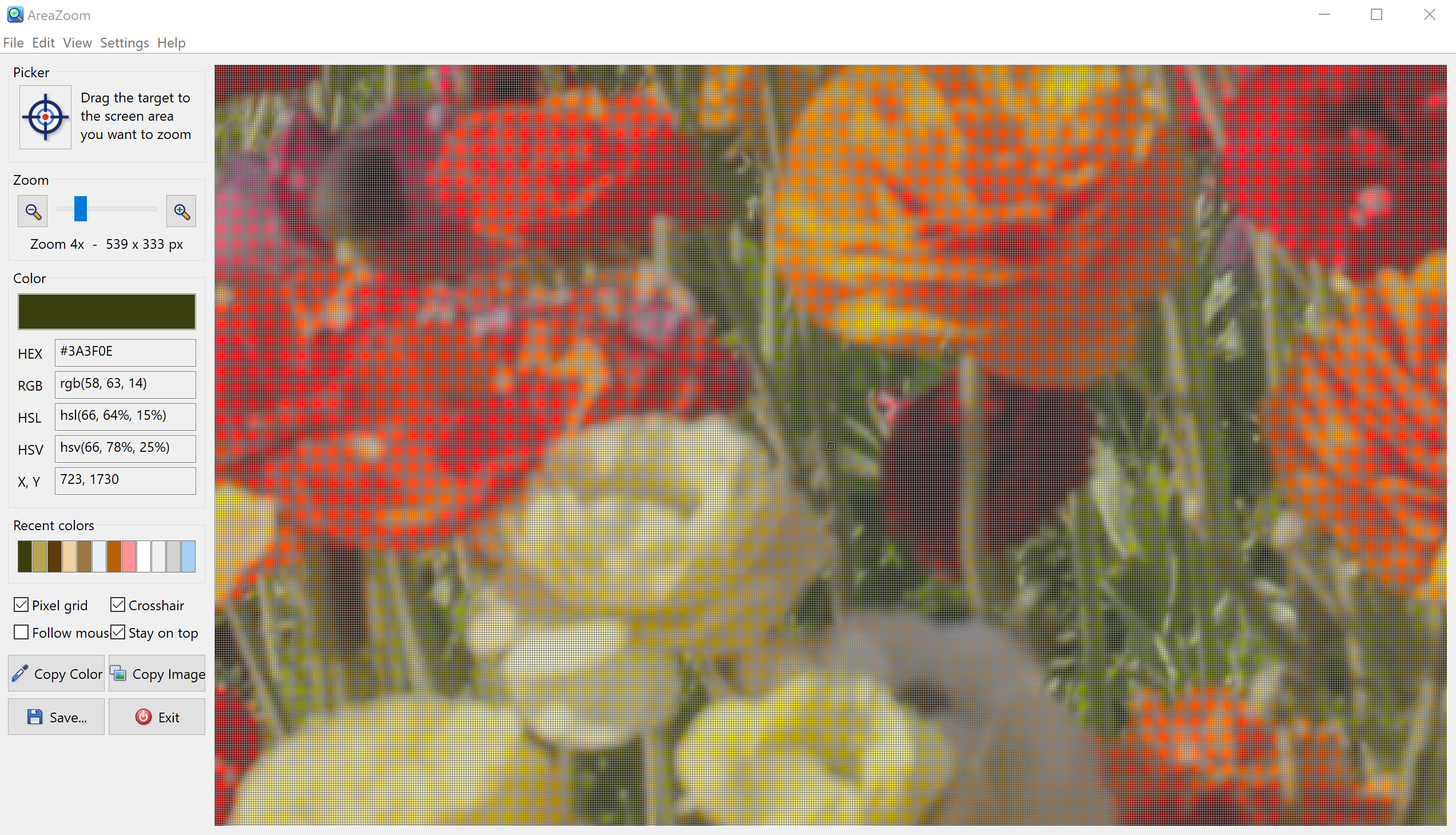
The color of the pixel under the crosshair is shown as a color swatch and in HEX, RGB, HSL and HSV notation, together with its X, Y screen coordinates. Recently picked colors are kept in a palette. Copy the color value or the zoomed image to the clipboard with one click, or save the image to a file. AreaZoom is useful for web designers, developers and anyone who needs to check exact colors, sizes and alignment on the screen.
Size: 3.13 MB
Released: October 2026
Price: $19.95
Operating Systems: Windows 7/8/8.1/10/11
Evaluation: free 30-day trial


Supported Features
Screen magnifier
- Picker: drag the target to the area of the screen you want to zoom.
- Zoom slider with zoom-in and zoom-out buttons; the current zoom factor and the size of the captured area in pixels are shown below the slider.
- Pixel grid outlines every magnified pixel; Crosshair marks the pixel being measured.
- Follow mouse: the zoomed view follows the mouse pointer as you move it around the screen.
- Stay on top keeps the AreaZoom window above other windows.
Color picker
- The color under the crosshair is shown as a swatch and as HEX (#3A3F0E), RGB, HSL and HSV values.
- X, Y screen coordinates of the measured pixel.
- Recent colors palette keeps the colors you picked.
- Copy Color copies the color value to the clipboard, ready to paste into your HTML, CSS or graphics application.
Copy and save images
- Copy Image copies the zoomed image to the clipboard.
- Save writes the zoomed image to a file on disk.
Main Window
The left panel holds the Picker, the Zoom controls, the color values, the recent colors palette, the view options and the Copy and Save buttons. The right side shows the magnified area of the screen. In the screenshot below a photo is zoomed 4x with the pixel grid and crosshair turned on.
AreaZoom Quick Help
Zoom in on the screen
Press the left mouse button on the target in the Picker box, drag it to the area of the screen you want to see and release the button. The magnified area is shown in the main window. Move the Zoom slider or click the zoom buttons to change the magnification. Select Follow mouse to have the view follow the mouse pointer.
Pick a color
The color of the pixel under the crosshair is shown in the Color box in HEX, RGB, HSL and HSV notation, together with its screen coordinates. Click Copy Color to copy the color value to the clipboard. Picked colors are added to the Recent colors palette.
Copy or save the image
Click Copy Image to copy the zoomed image to the clipboard and paste it into your graphics application, or click Save... to save it to a file.